Calendar and schedule
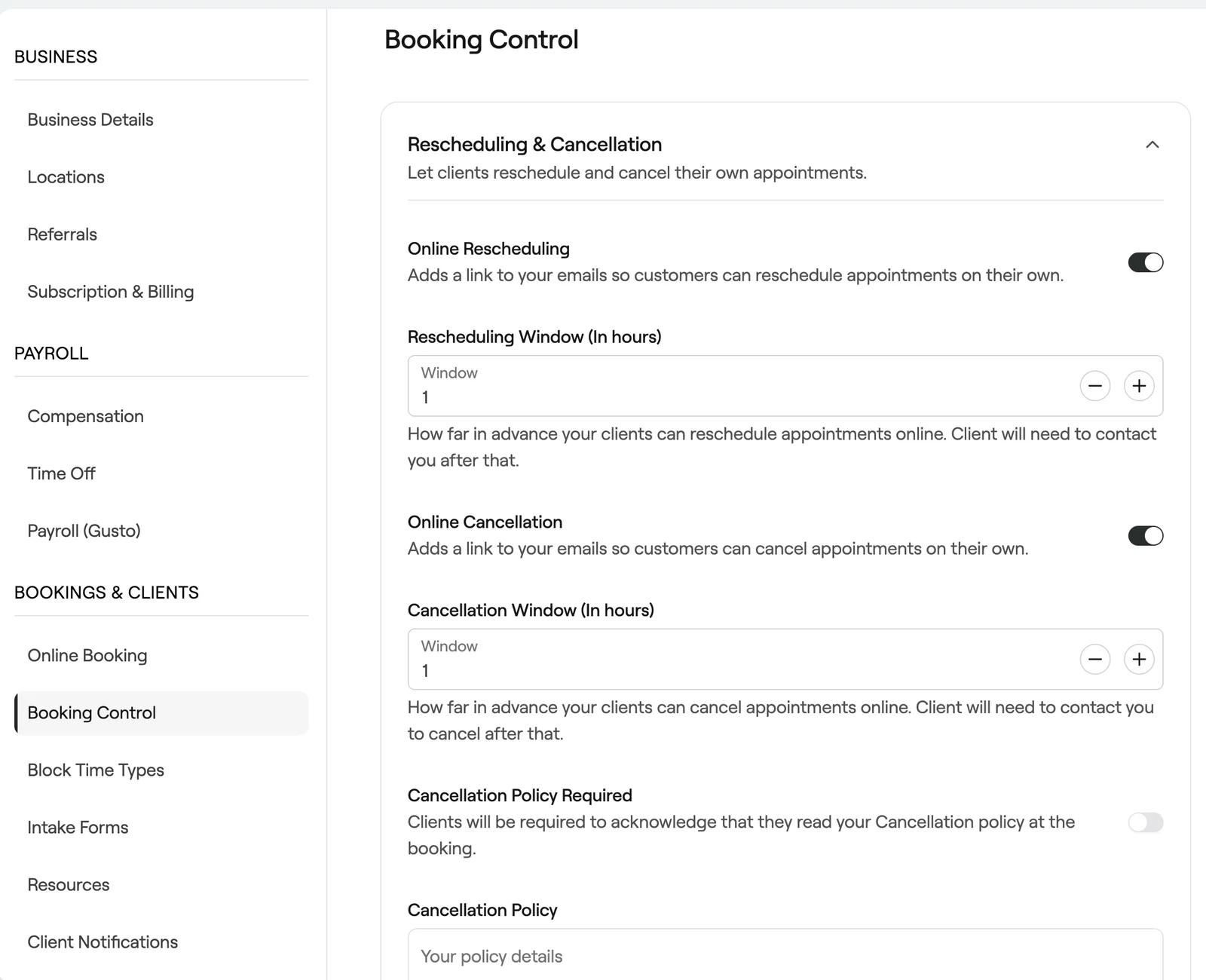
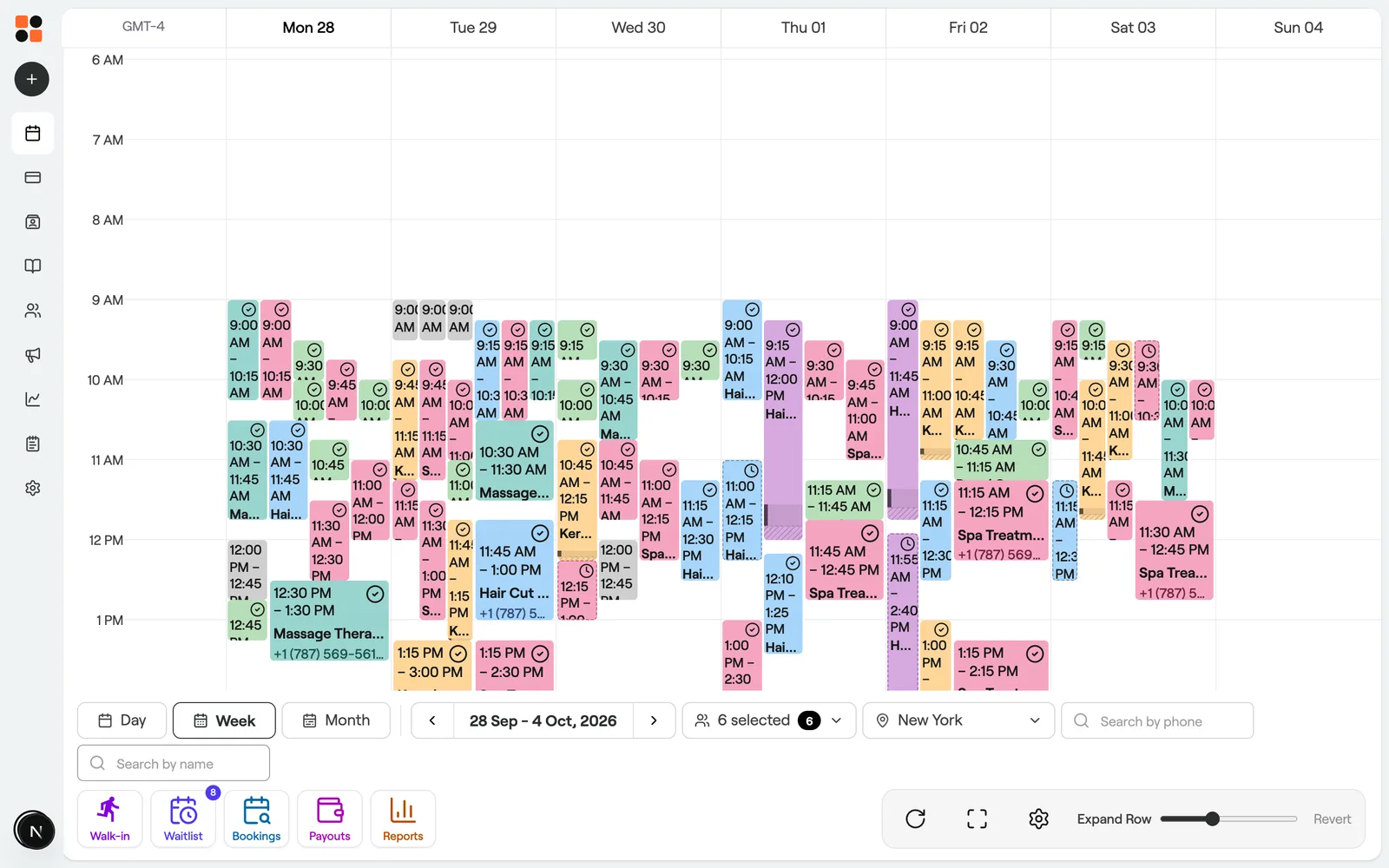
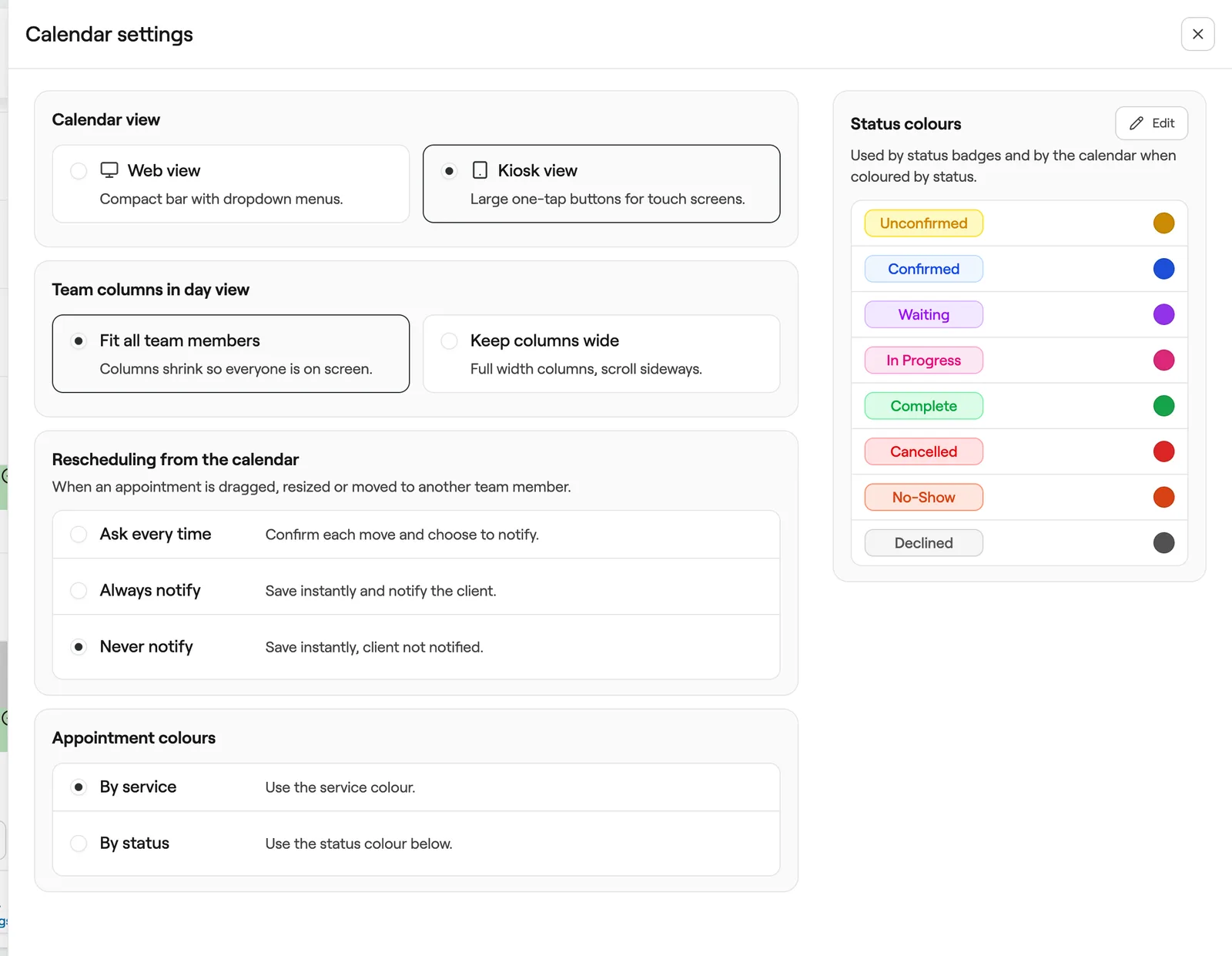
Book and manage appointments, block time, handle your waitlist and set team availability, all in one calendar.
Appointments
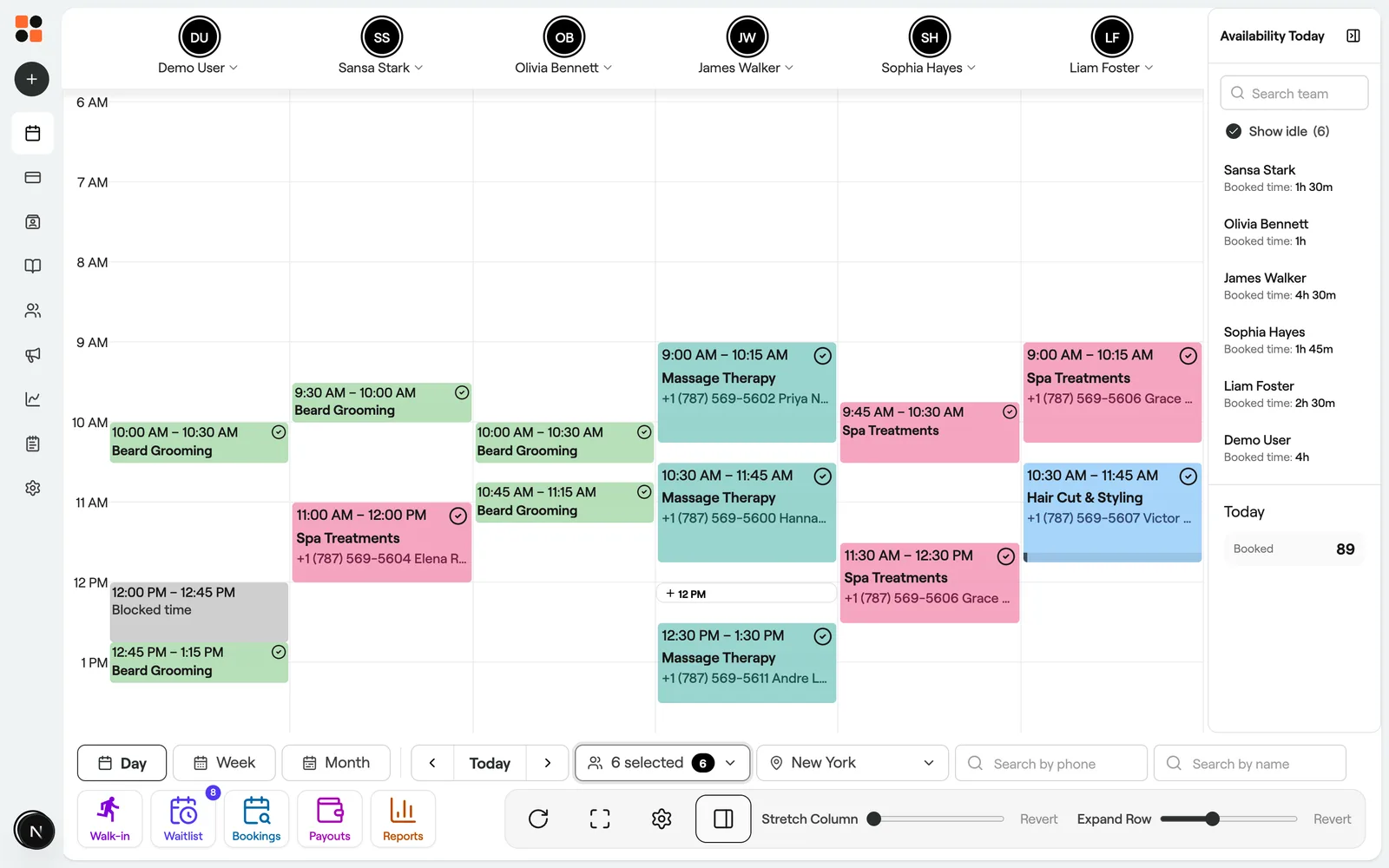
Create appointments
Book appointments straight into your calendar with client, service and team member details.
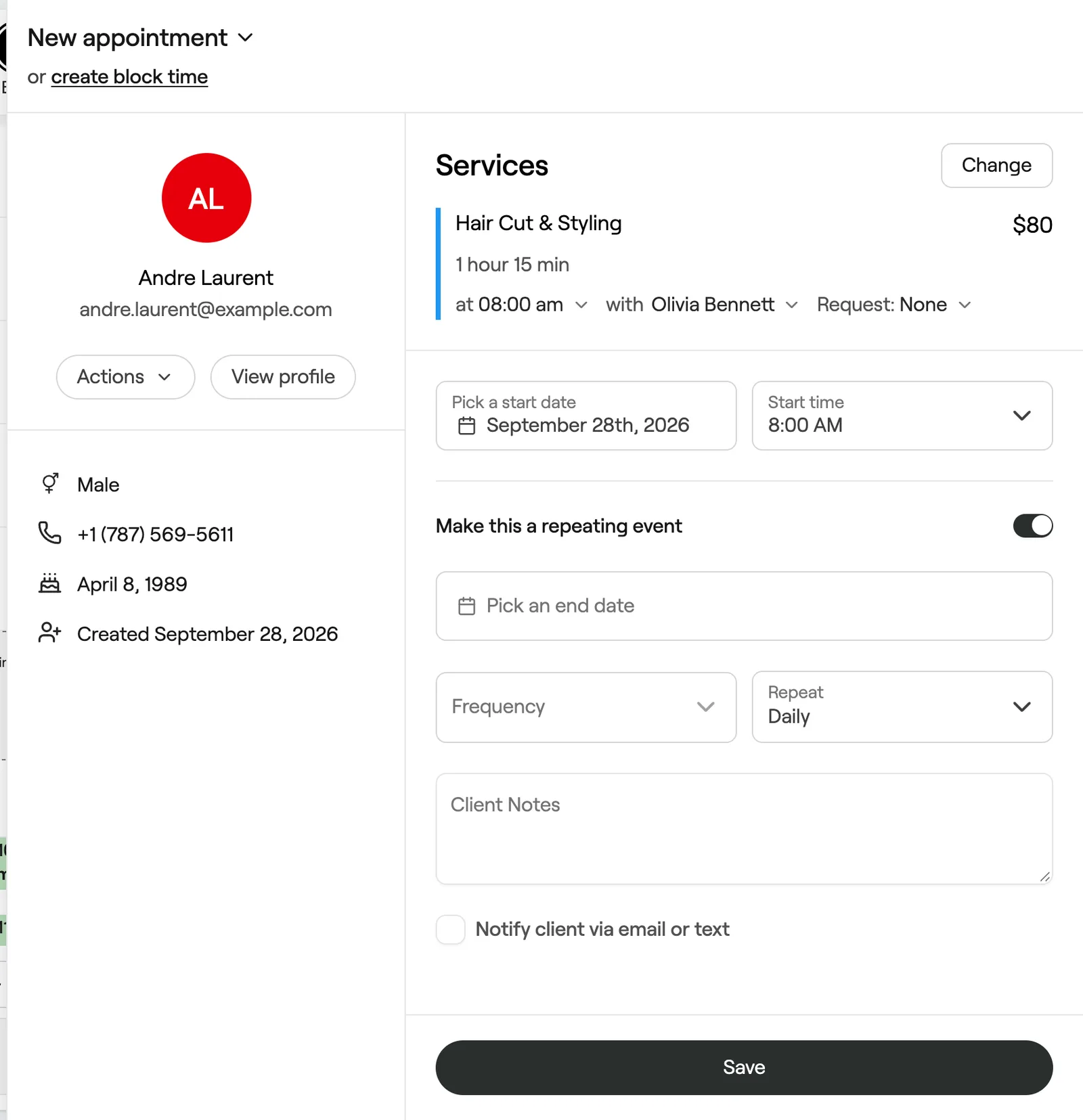
Create repeat appointments
Book regular clients into the same slot every day, week or month in one go.
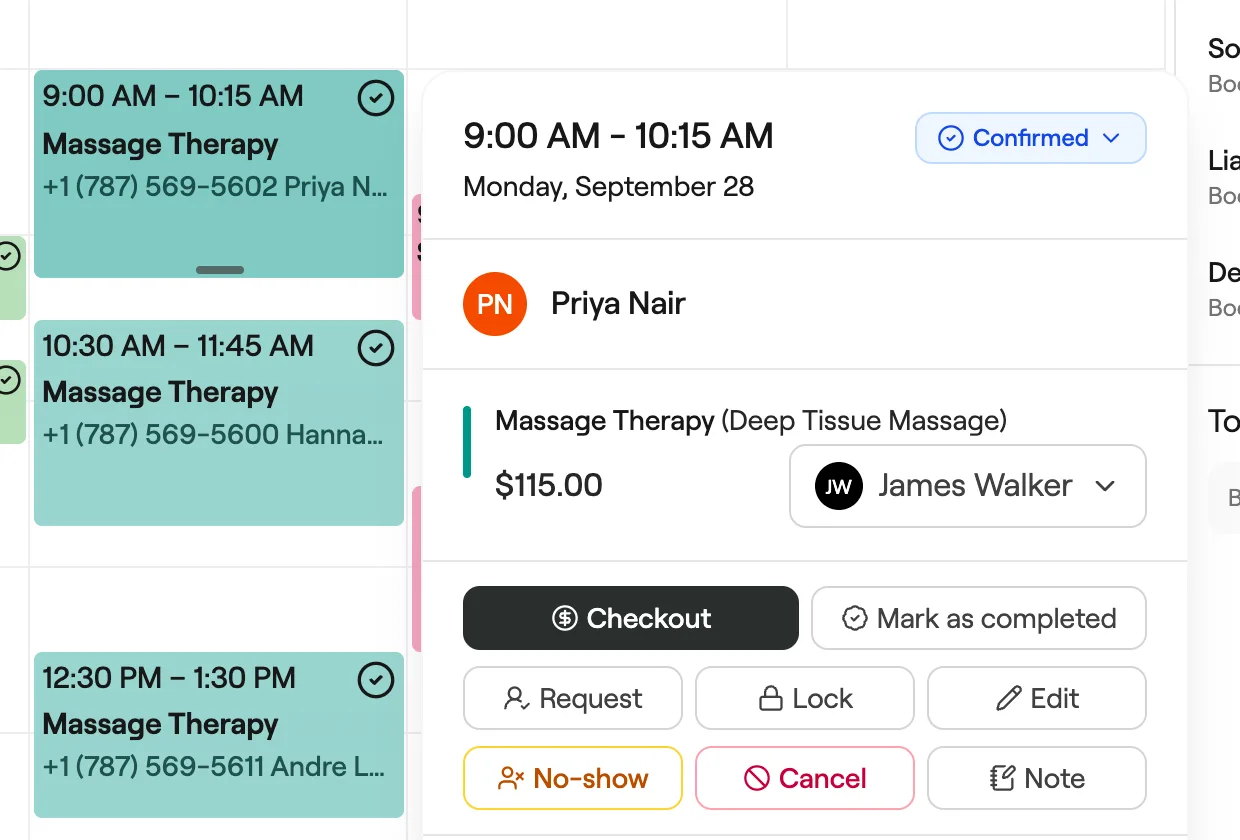
Update appointments
Edit services, team members, notes and more to keep your calendar accurate.
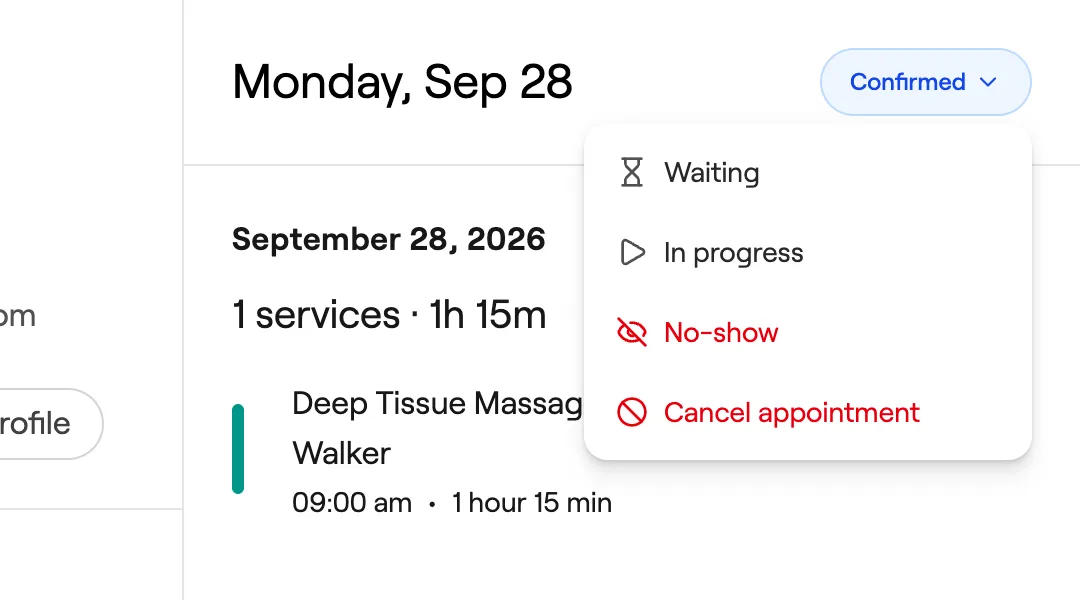
Update appointment statuses
Track each visit at a glance, from unconfirmed bookings to clients in the chair.
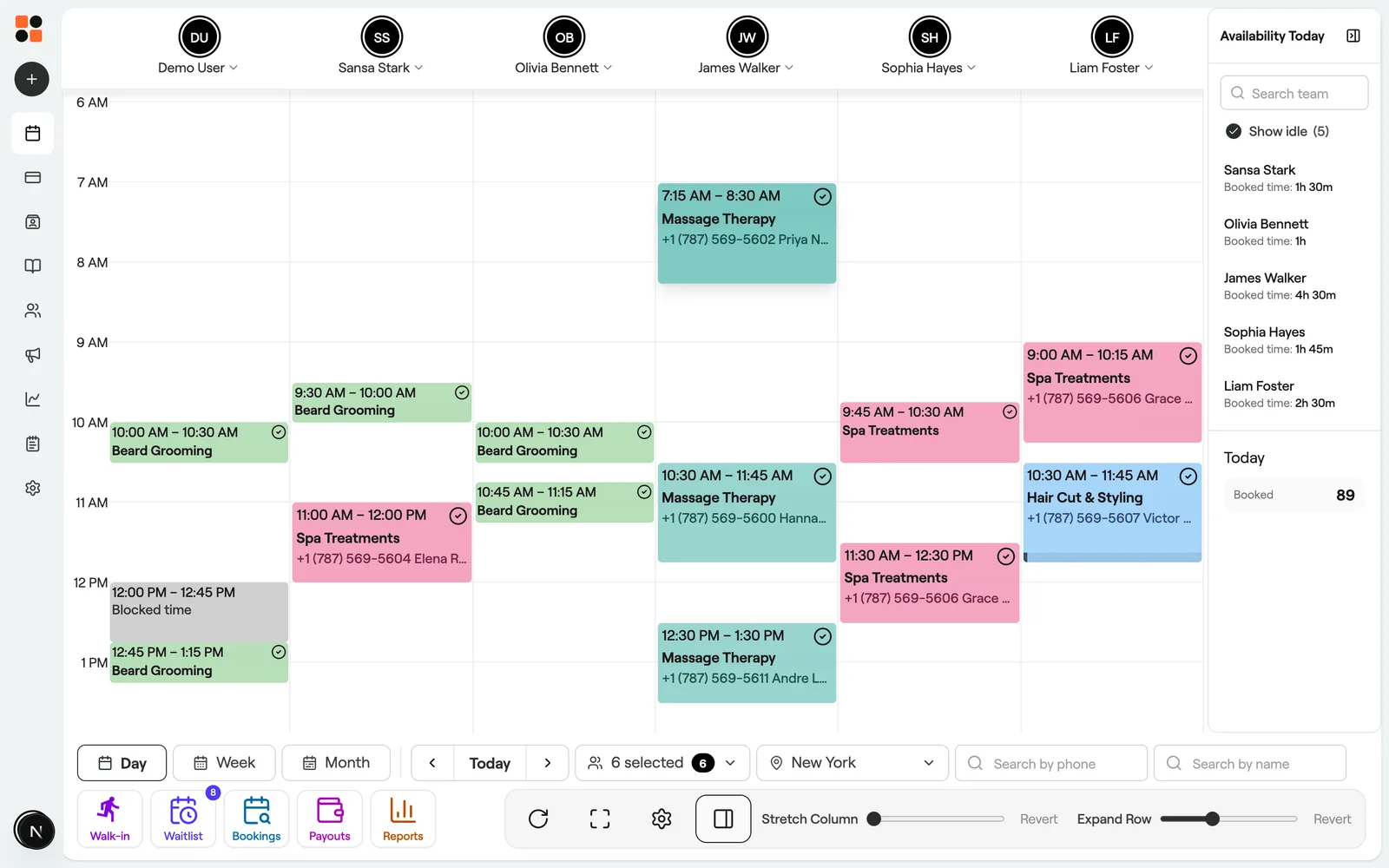
Reschedule appointments
Move appointments to a new time or team member while keeping every other detail.
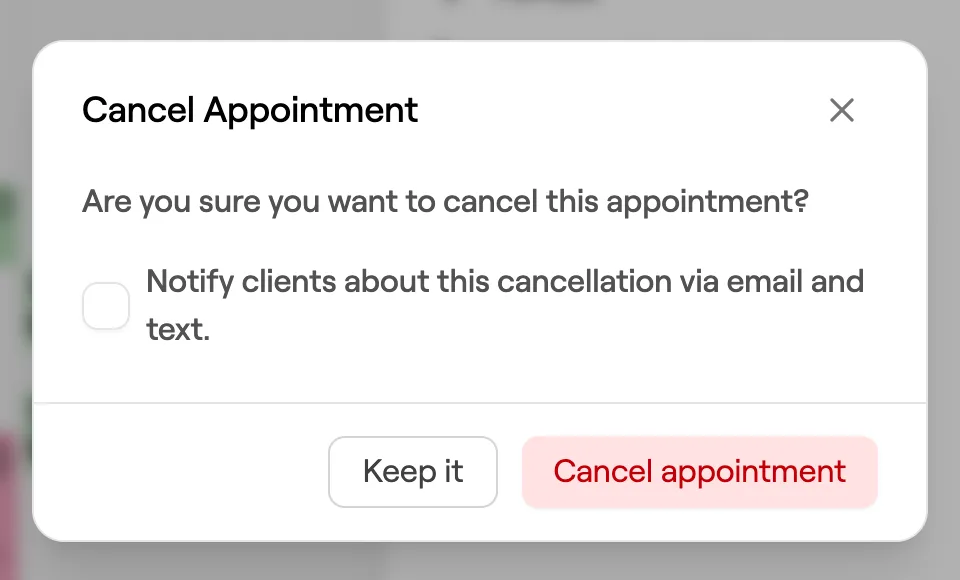
Cancel appointments
Cancel bookings to free up the time, and charge a late cancellation fee when it applies.
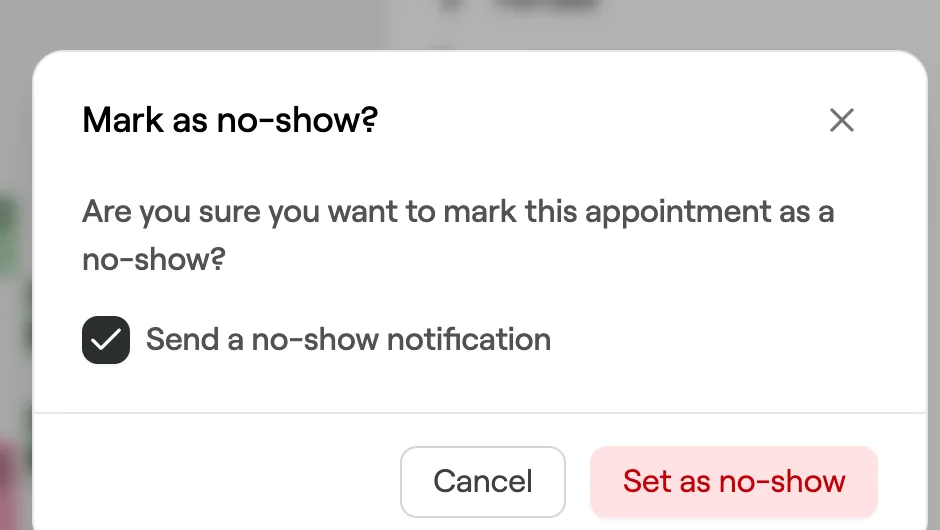
Mark appointments as no-shows
Record missed appointments when clients don't turn up for their booking.
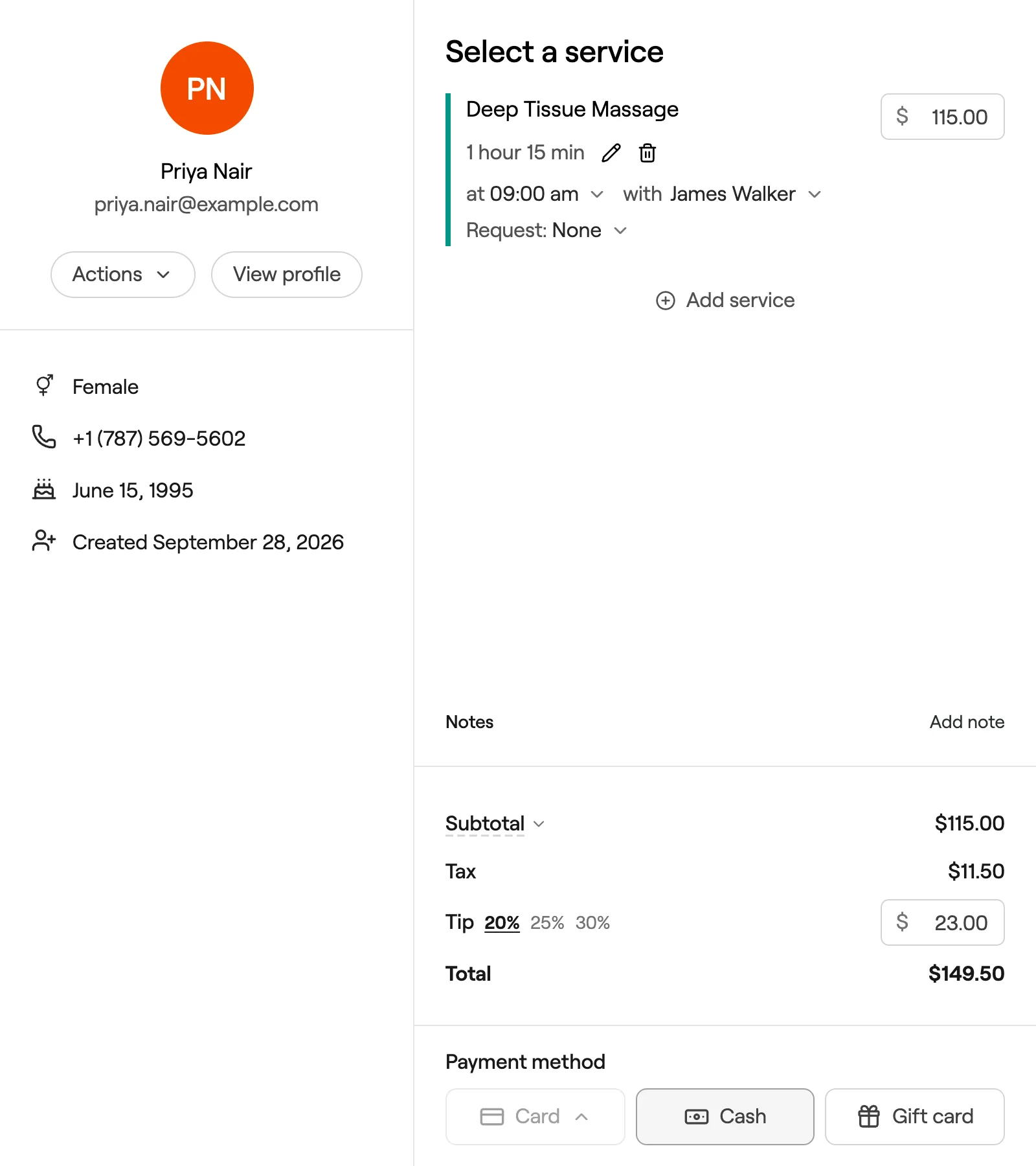
Complete appointments
Check out appointments so sales, reports and client history stay accurate.
Group appointments
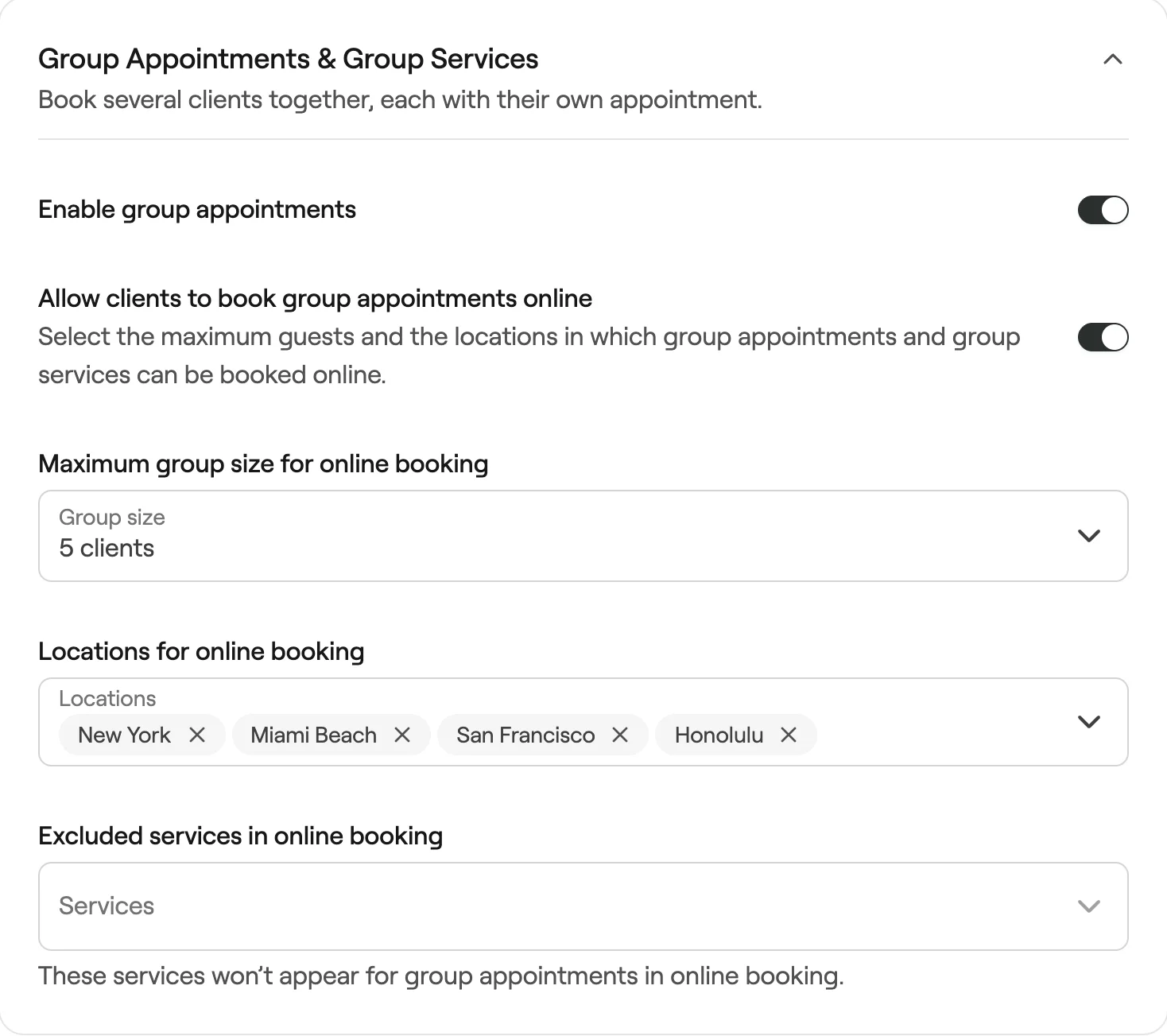
Set up group appointments
Turn on group appointments and choose whether clients can book groups online.
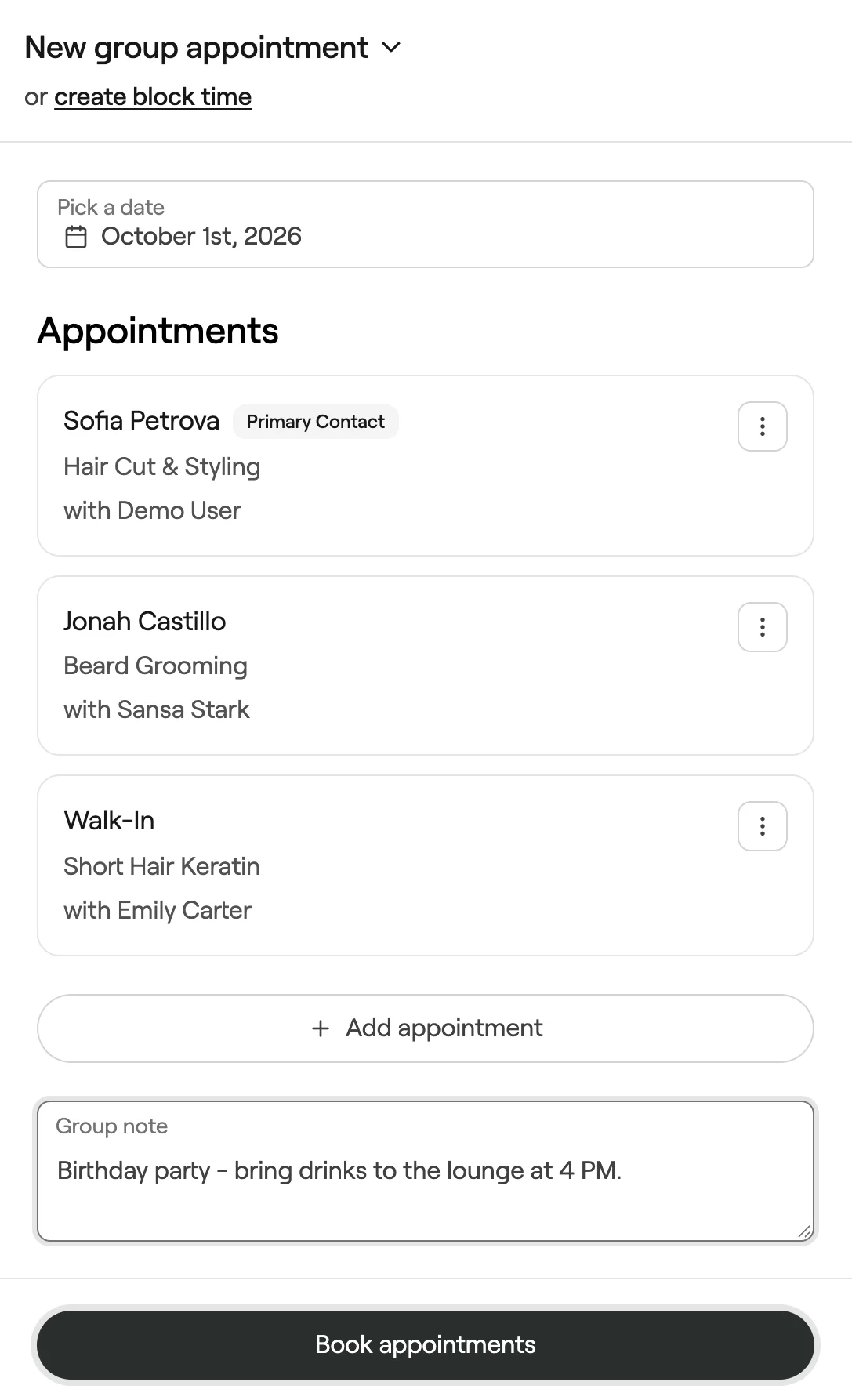
Create group appointments
Book several clients together, each with their own services and team member.
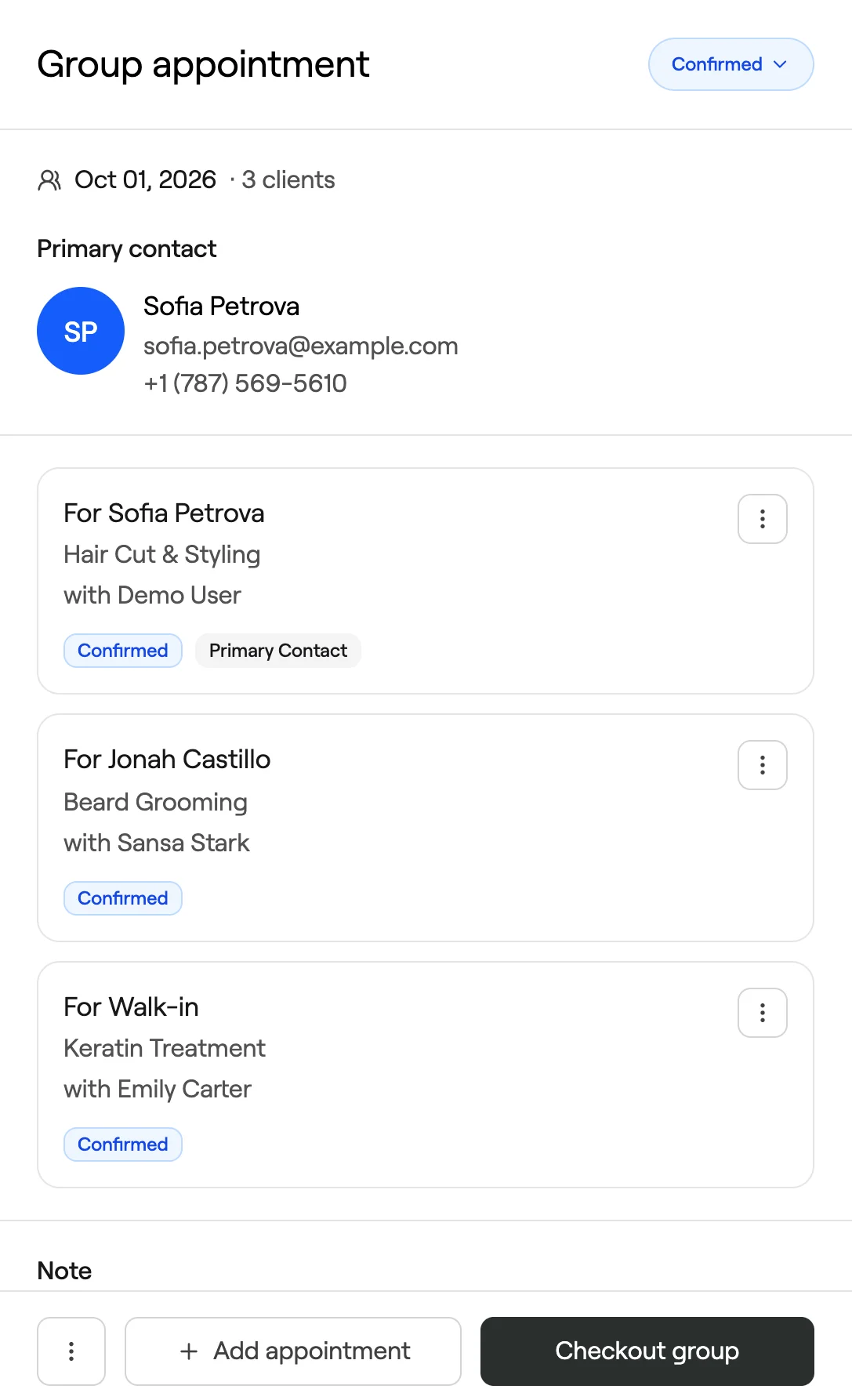
Manage group appointments
Update, reschedule, check out or cancel everyone in a group at once.
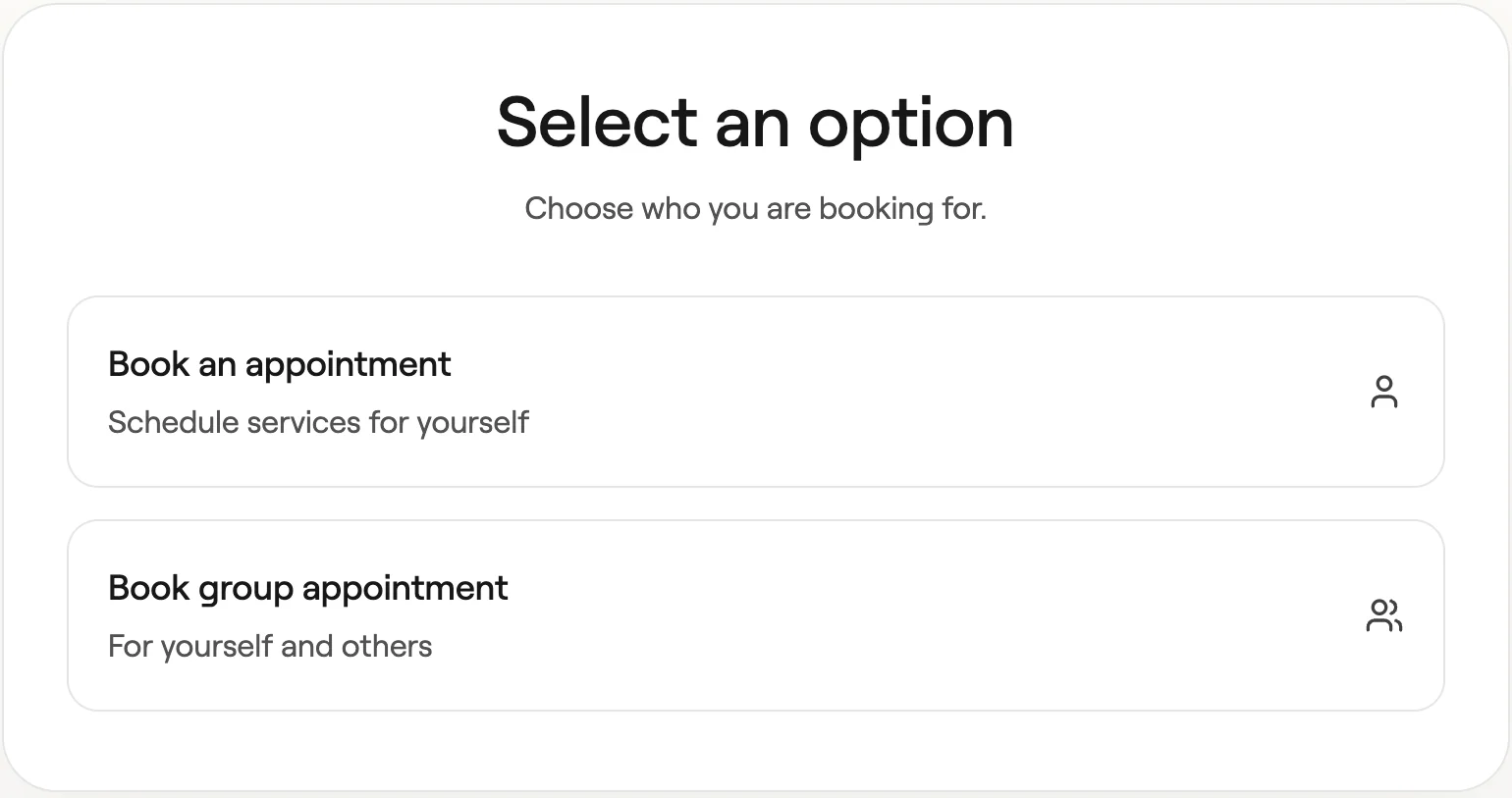
How clients book group appointments online
See how clients book for themselves and others from your booking site.
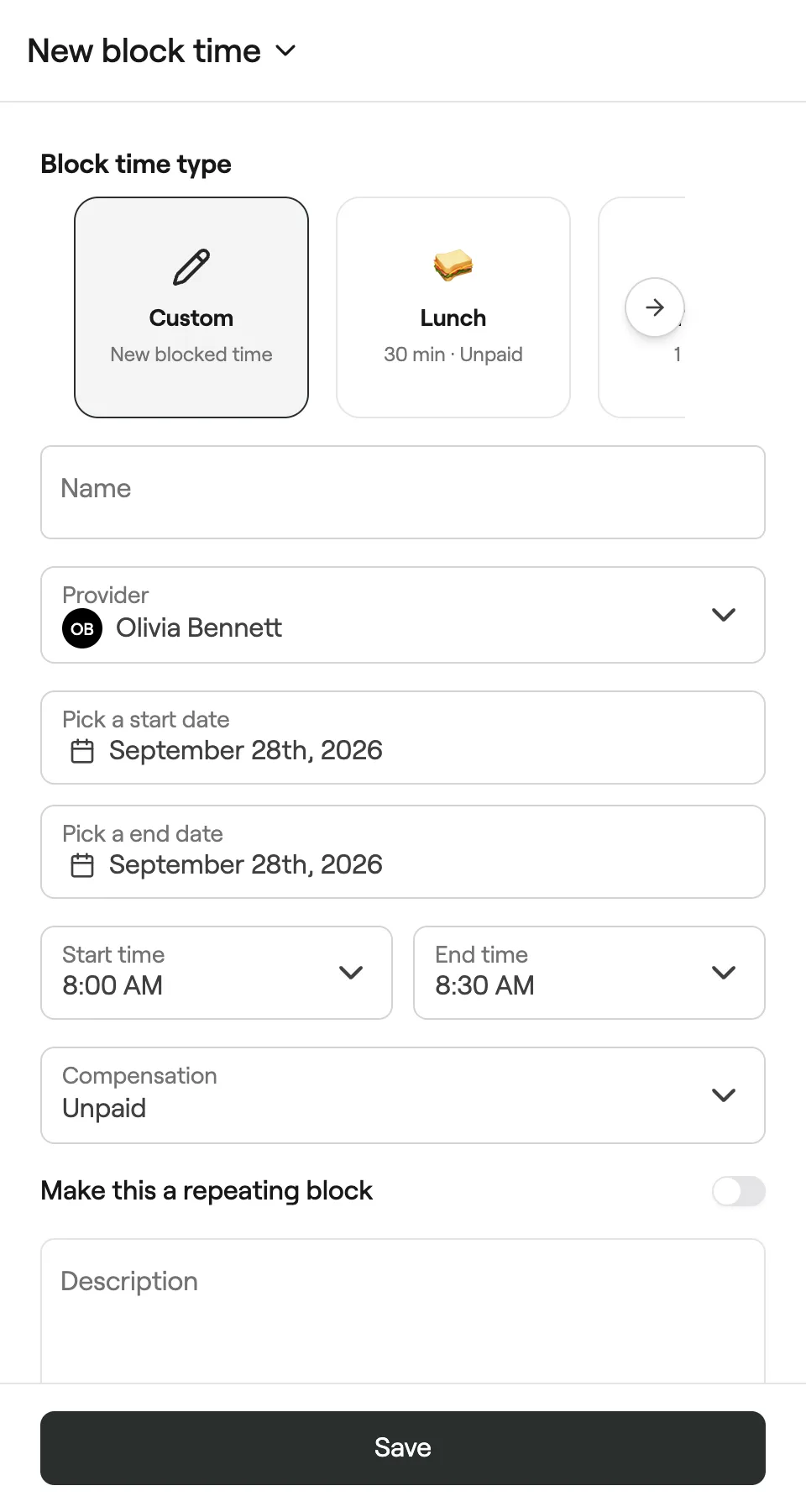
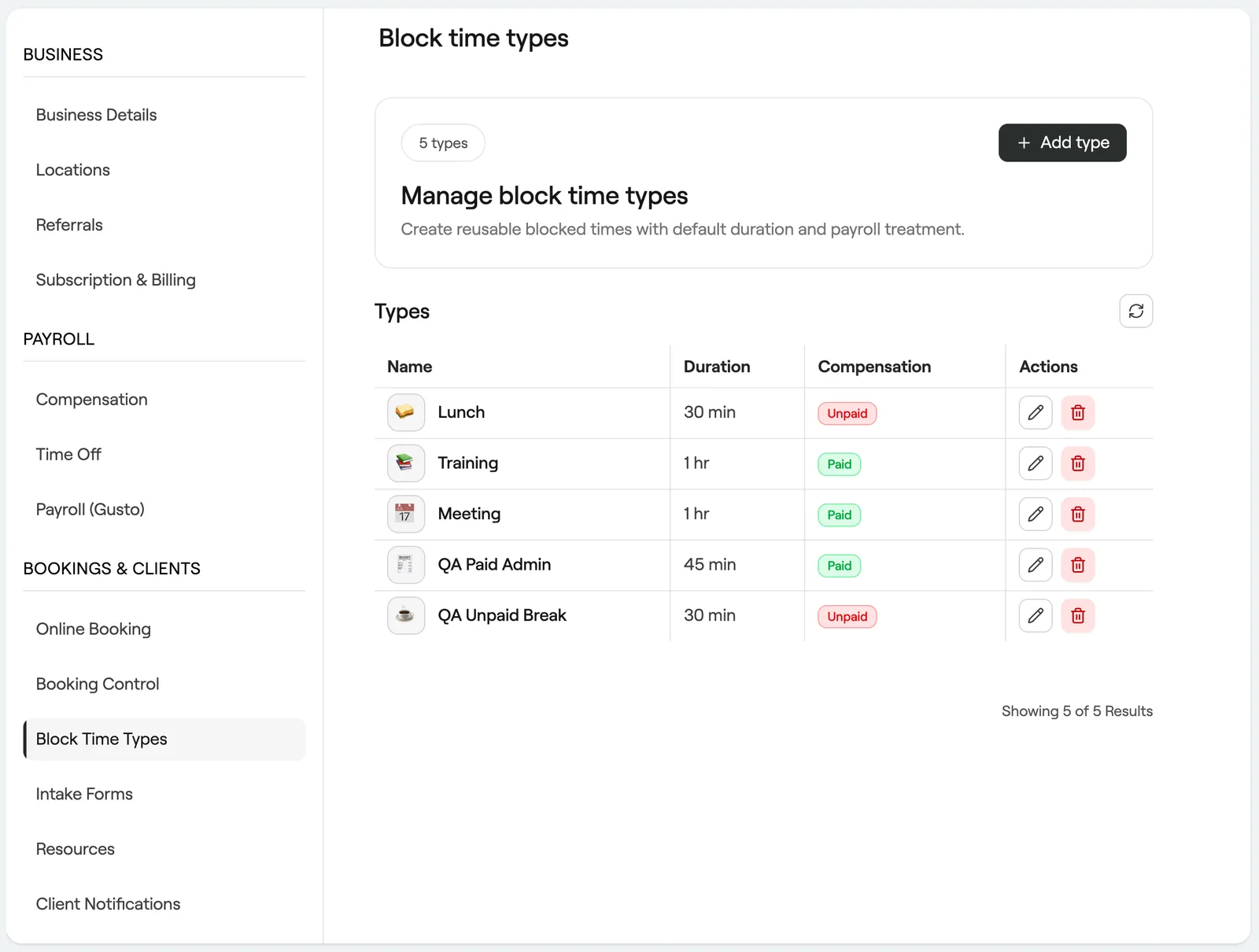
Blocked time
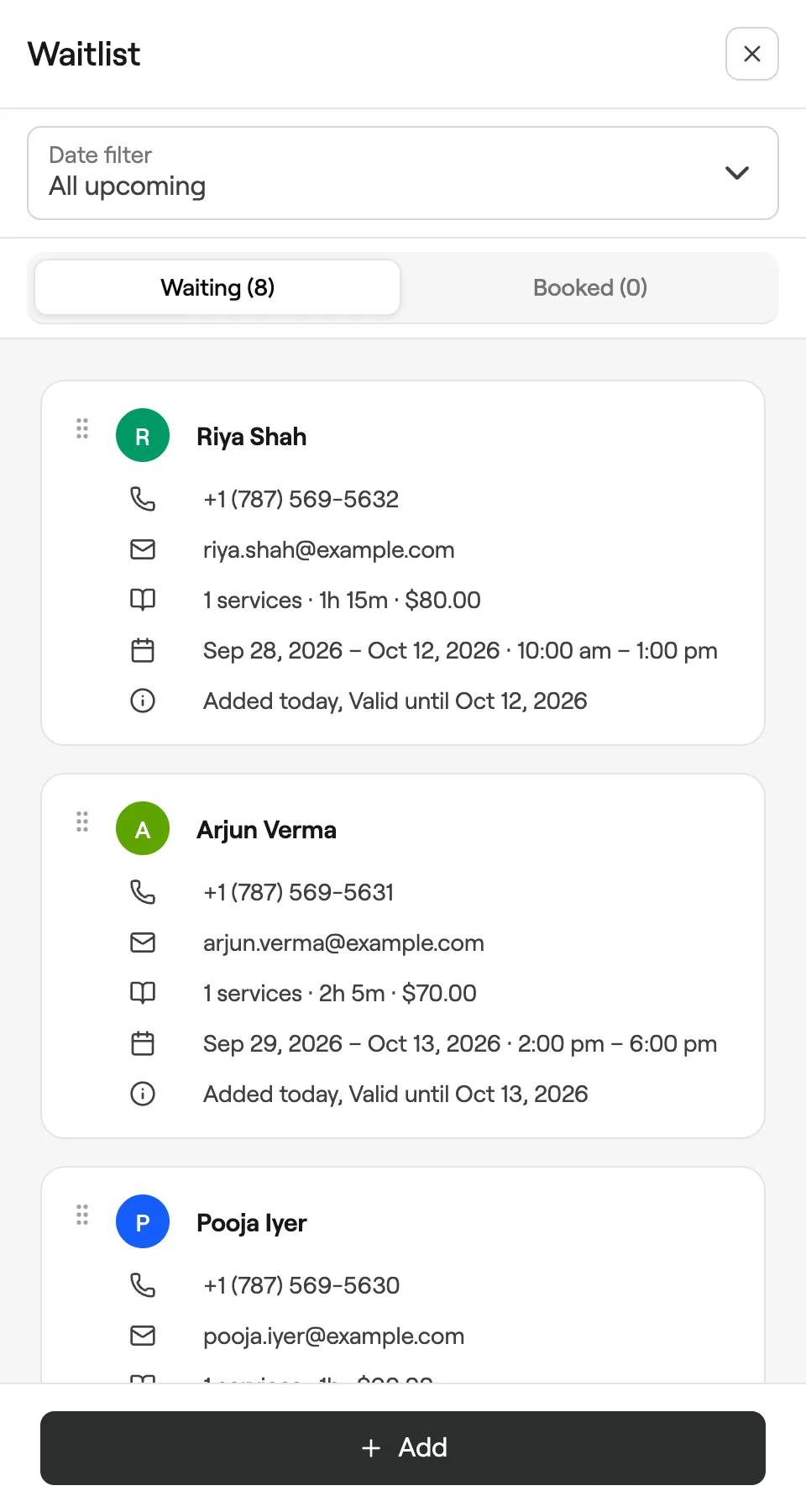
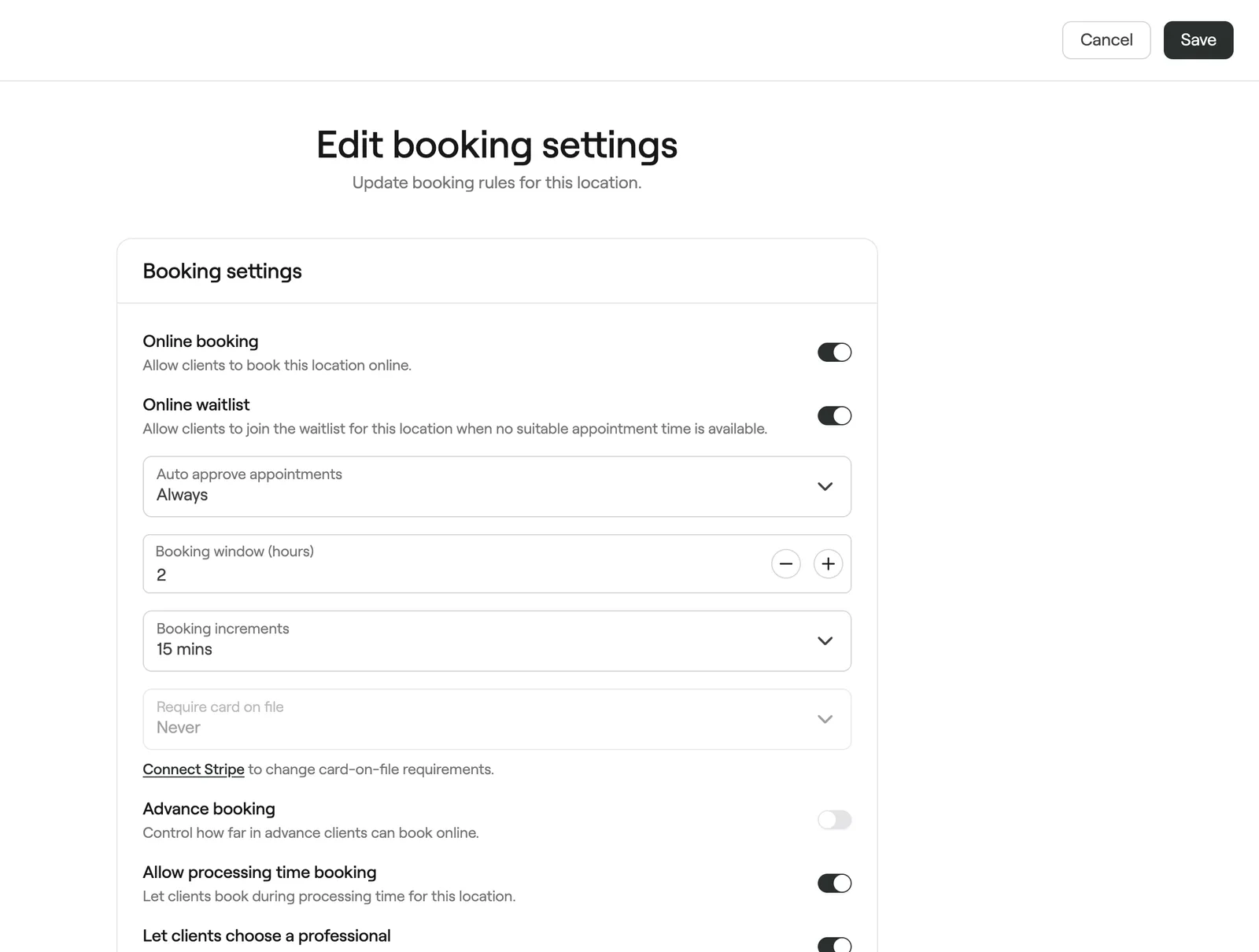
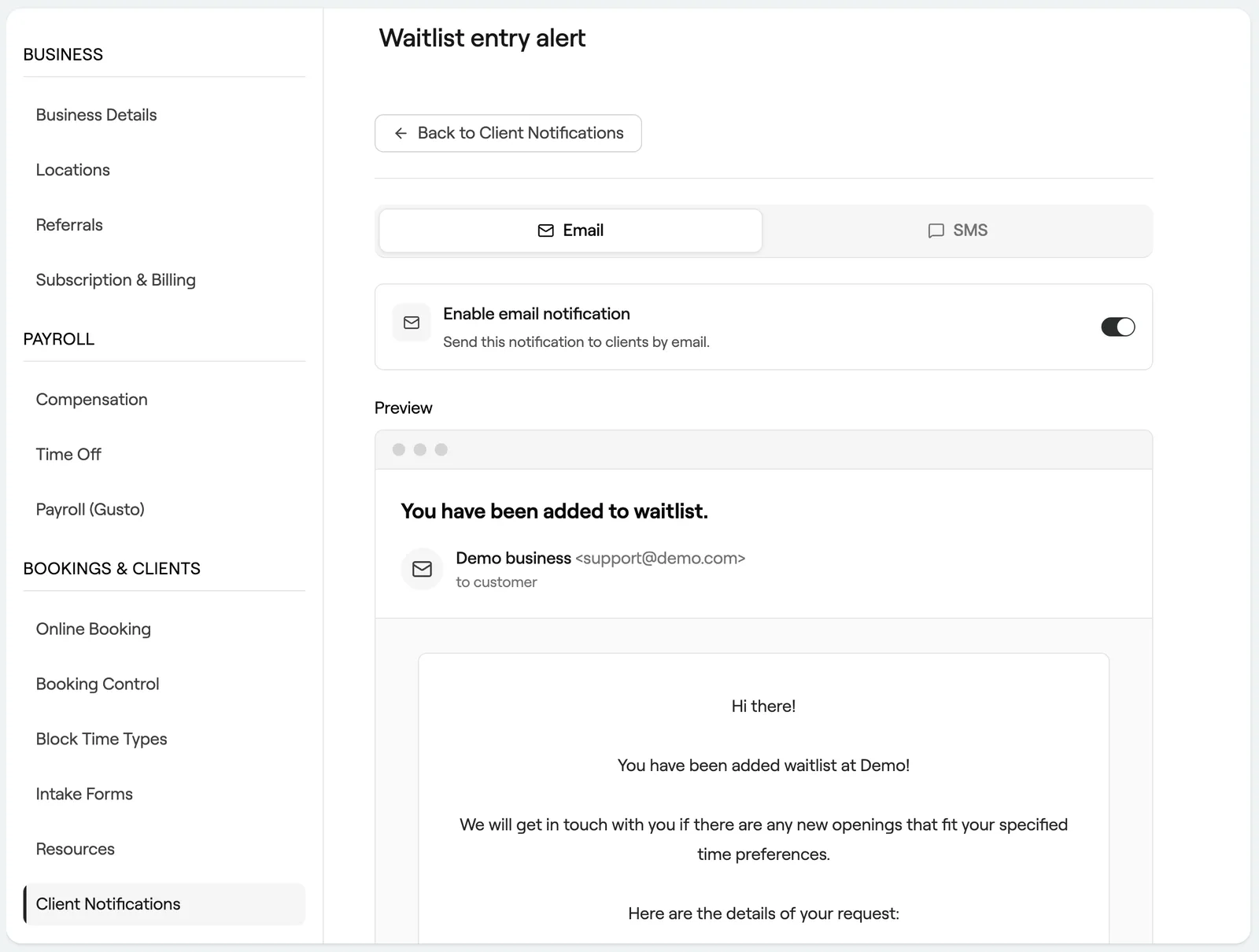
Waitlist
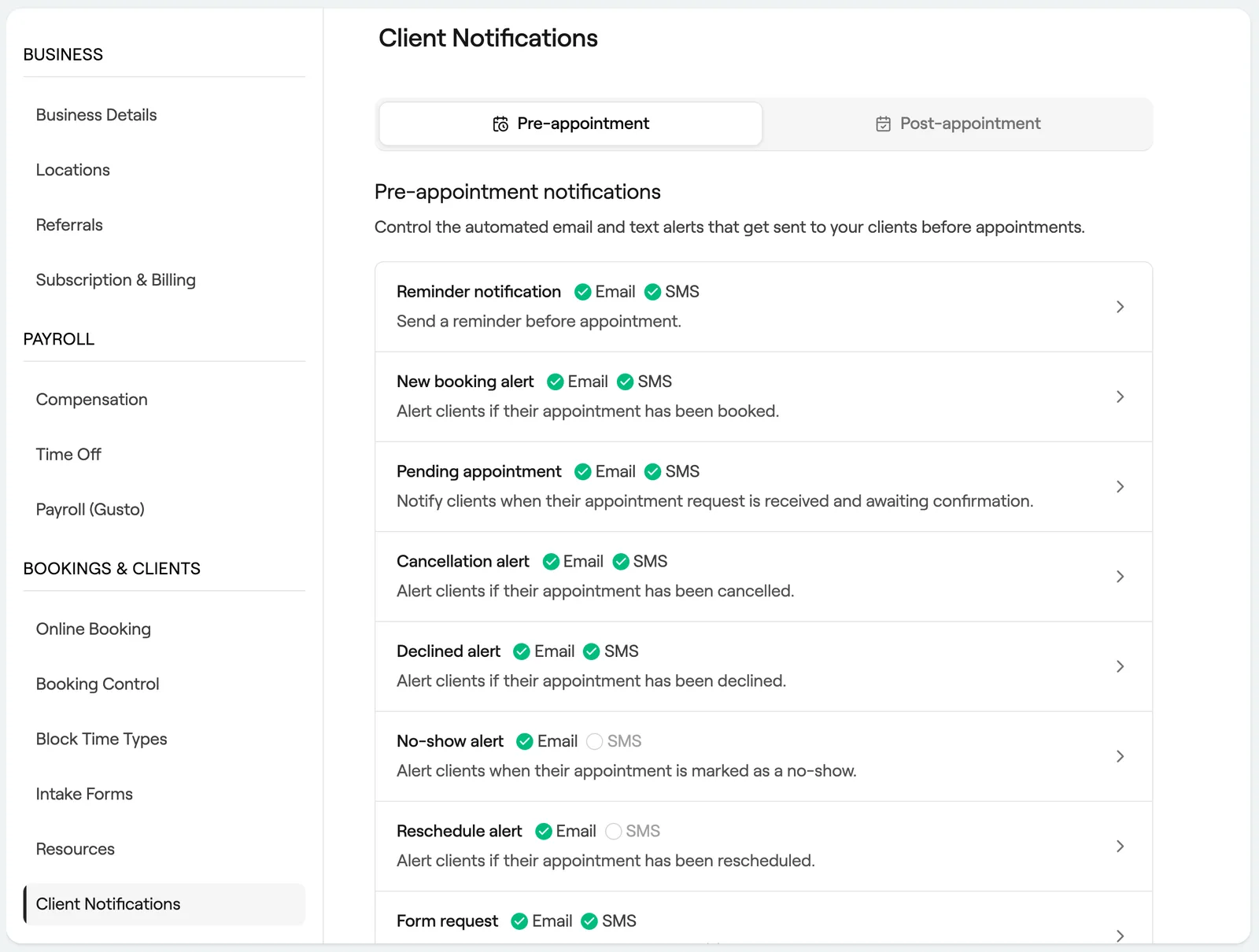
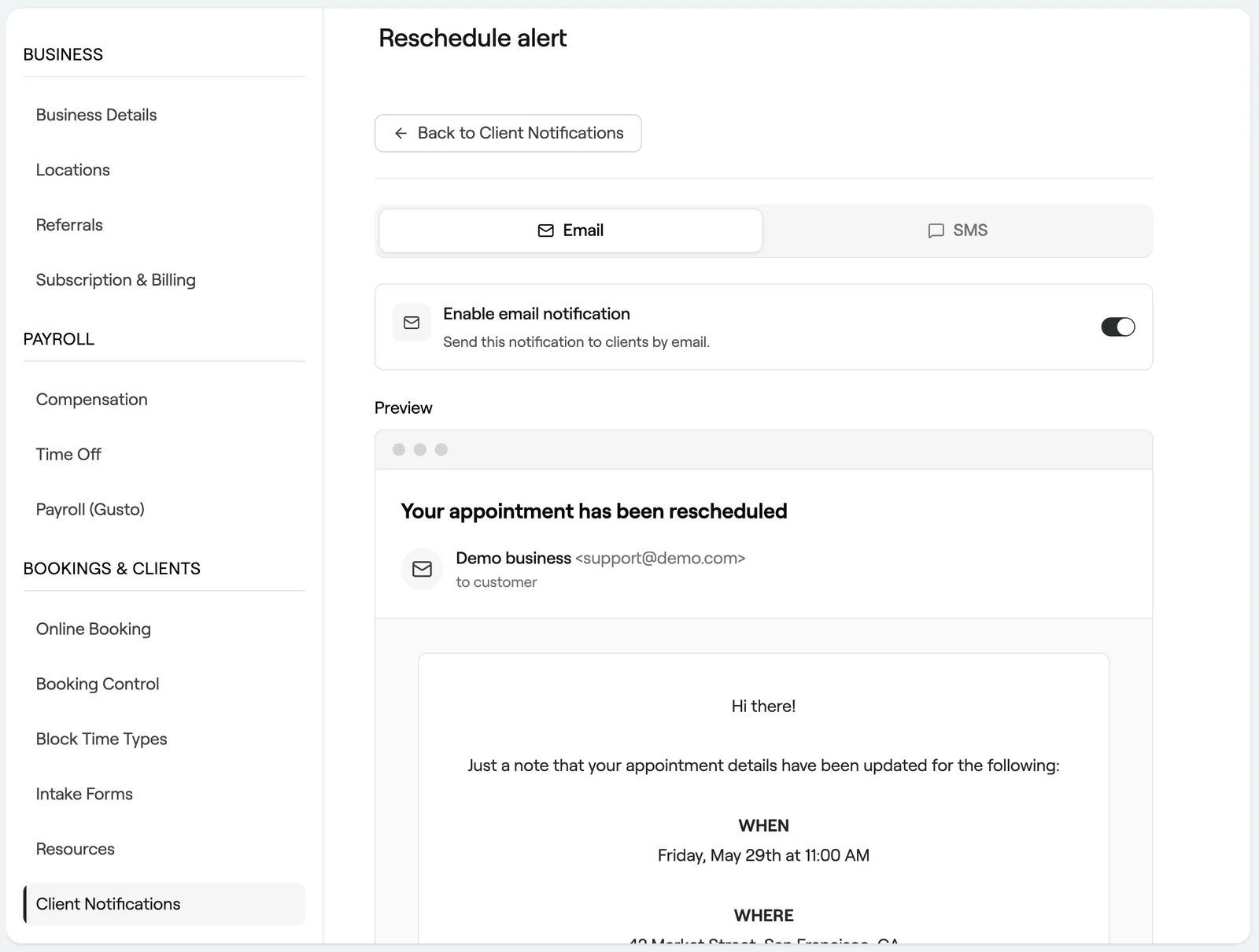
Appointment notifications
Schedule management
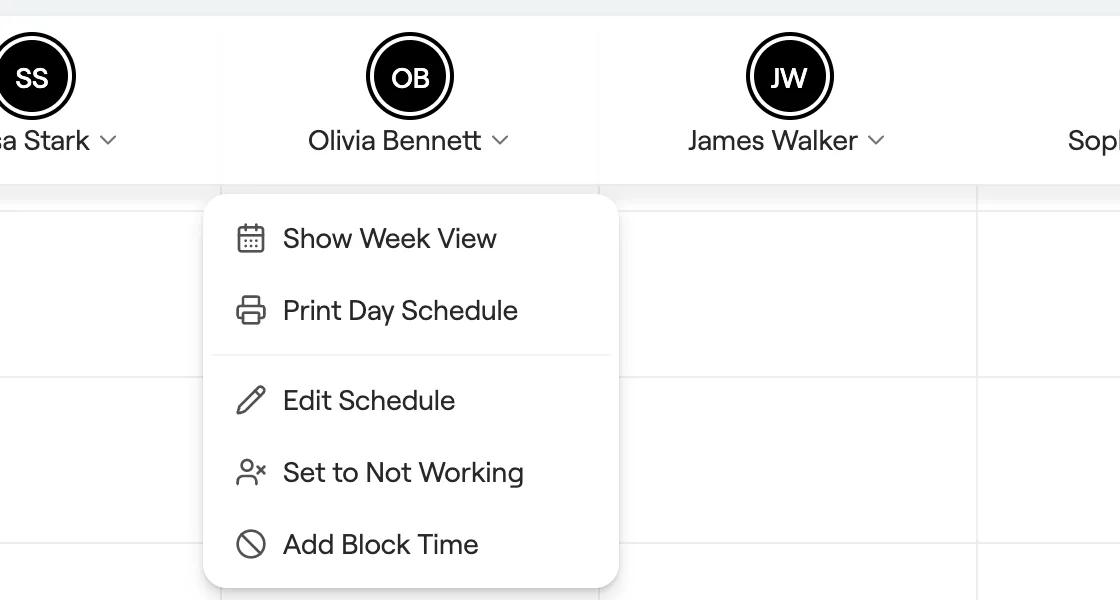
Manage team member schedules
Set working hours for each team member so your calendar shows real availability.
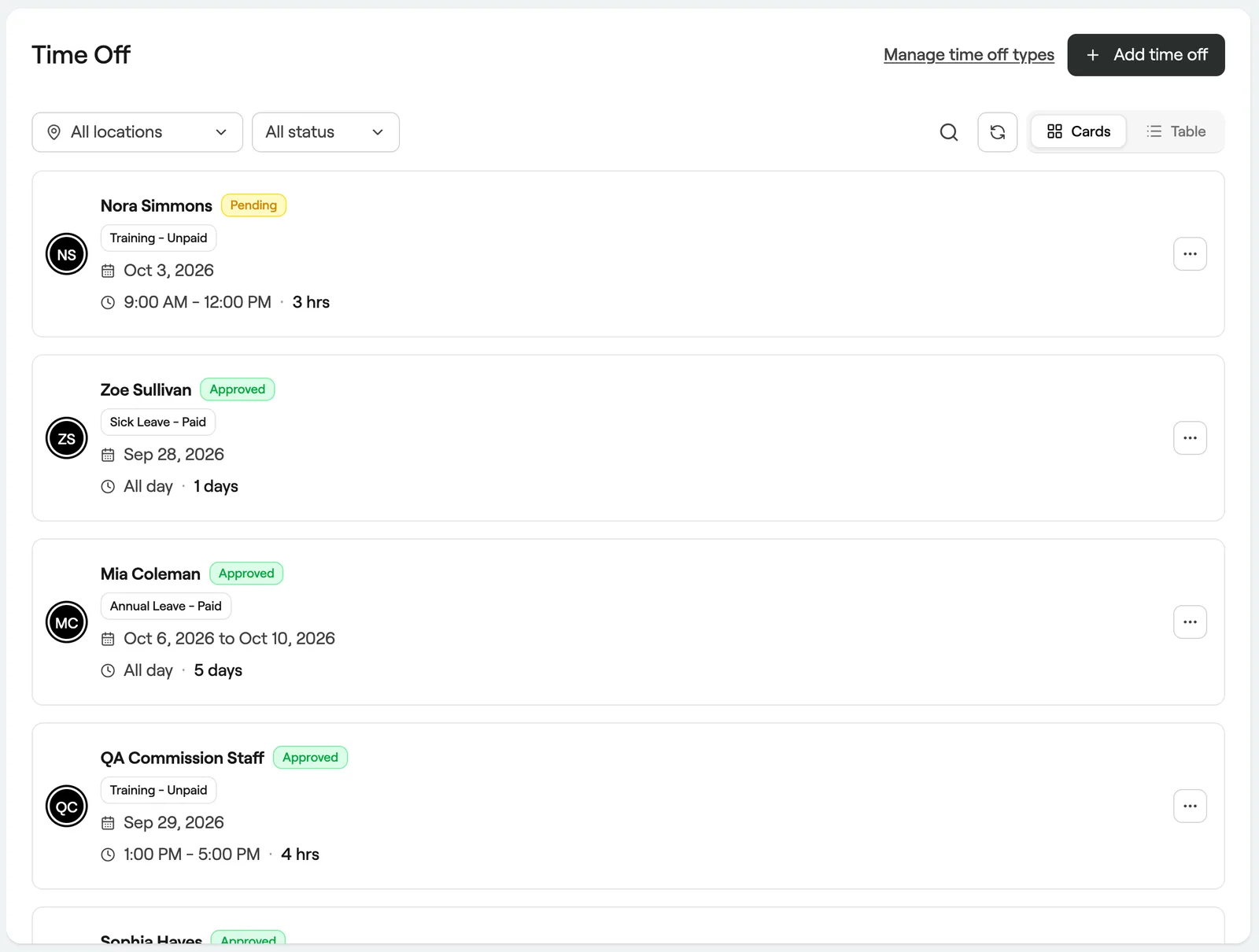
Manage time off for your team
Record holidays, sick days and other absences so nobody gets booked while away.
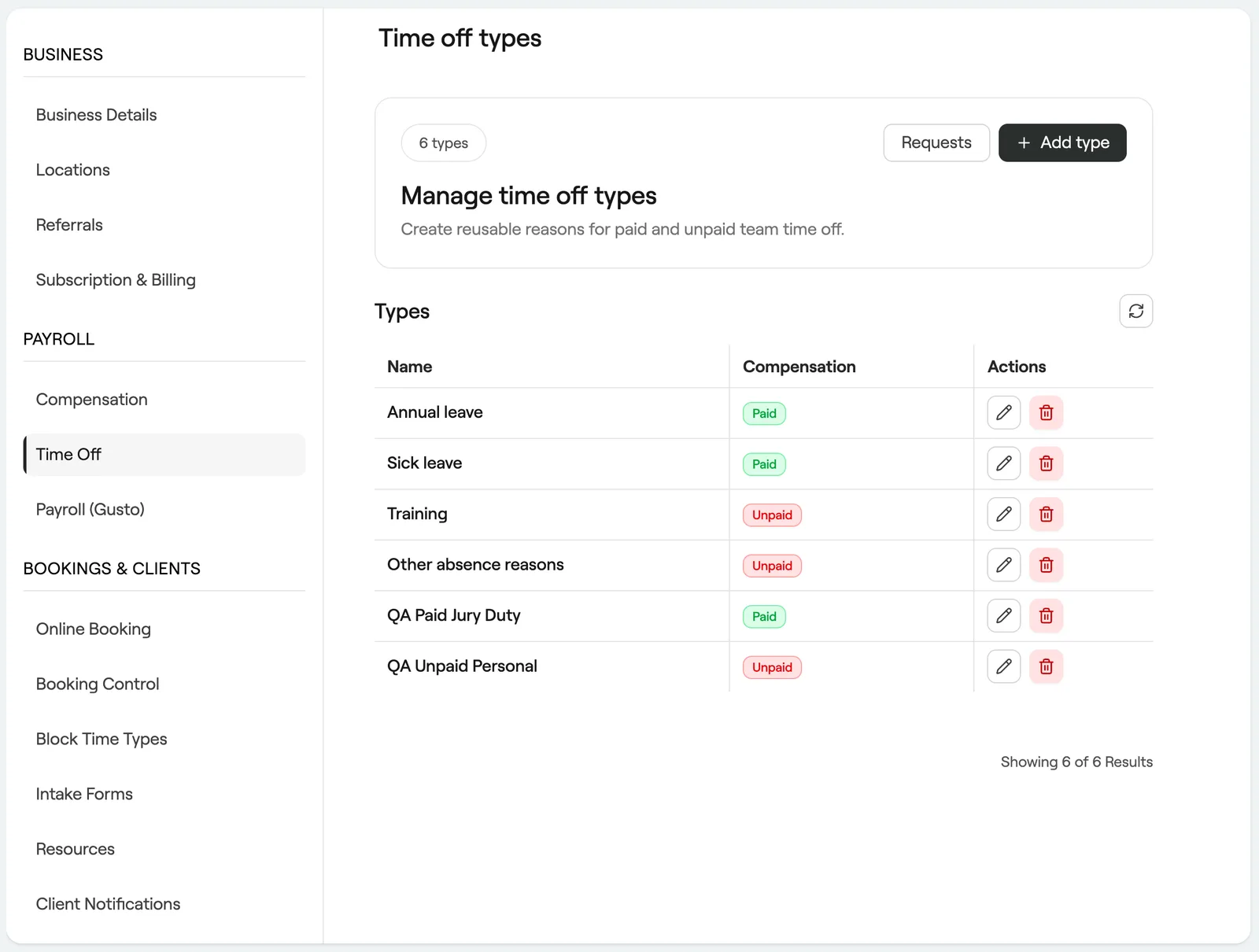
Create and manage types of time off
Set up reasons for time off and whether each one is paid.
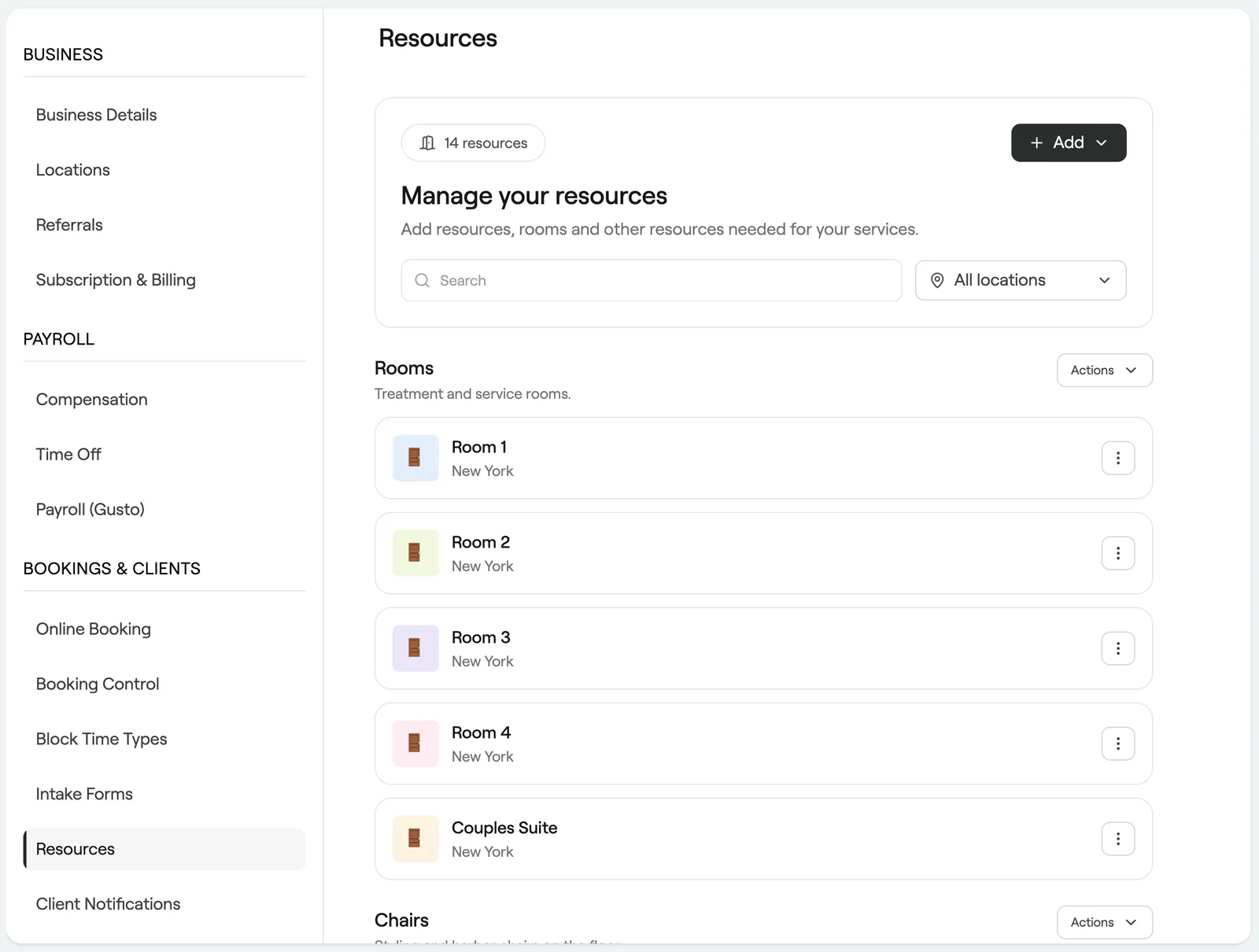
Manage bookable resources
Add rooms, chairs and equipment so services never double book them.